
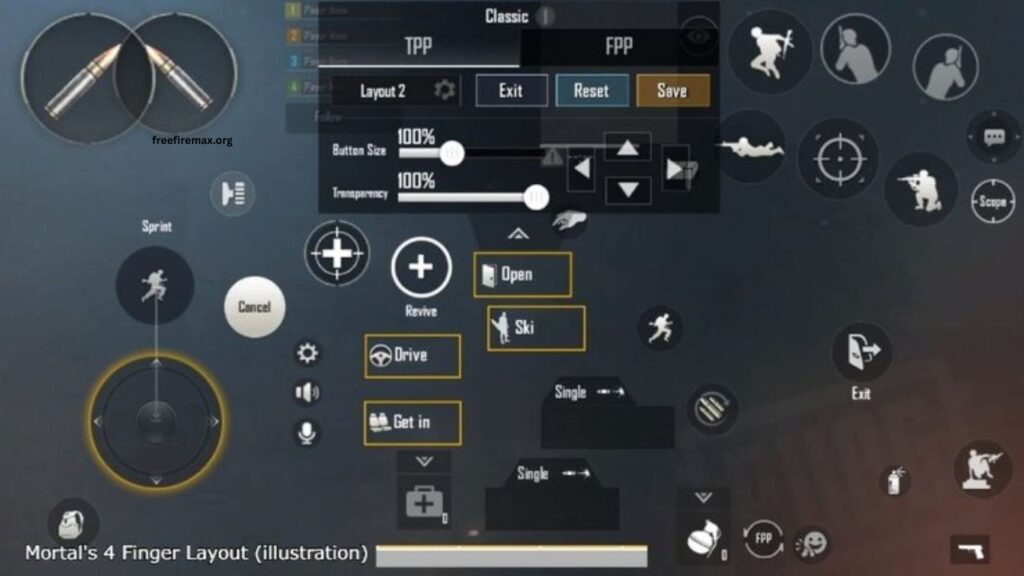
Free Fire MAX gyroscope settings can significantly improve aiming, recoil control, and close-range movement. A properly adjusted gyroscope allows players to control their crosshair by physically moving their device, creating smoother and faster aiming.
However, finding the right sensitivity requires understanding how each setting affects gameplay. This guide explains Free Fire MAX gyroscope settings, recommended adjustments, aiming techniques, and practical ways to improve accuracy without making controls feel uncomfortable.
Read More: How to Customize Your HUD for Better Controls
What Is Gyroscope in Free Fire MAX?
The gyroscope is a motion-based aiming feature that uses your phone’s movement to control the in-game camera and crosshair. When gyroscope controls are enabled, tilting the device can move the aim instead of relying entirely on touch controls.
This feature can become especially useful during close-range fights, quick flicks, recoil management, and headshot attempts. Players who learn to combine touch sensitivity with controlled device movement can achieve more precise aim and faster reactions.
Why Gyroscope Settings Matter
Every player has a different playing style, device size, screen response, and movement preference. Using extremely high or low gyroscope sensitivity can make aiming difficult.
High sensitivity allows faster crosshair movement with smaller phone movements. This can help during close combat but may feel unstable for precise shots. Lower sensitivity provides more controlled movement, making it easier to track enemies at longer distances, although quick adjustments can require larger physical movements.
The ideal setting should provide a balance between speed and control. Players should avoid copying another player’s settings without testing them because sensitivity depends heavily on personal gameplay habits.
Recommended Free Fire MAX Gyroscope Settings
A balanced gyroscope setup can provide a good starting point for players who are new to motion aiming. Moderate-to-high sensitivity generally works well for aggressive gameplay because it allows quick adjustments during fast fights.
Players focusing on headshots can gradually increase gyroscope sensitivity while practicing controlled upward movements. Those who prefer long-range combat may benefit from slightly lower sensitivity because precise crosshair movement becomes more important at greater distances.
Instead of immediately using extreme values, players should begin with a comfortable setup and make small adjustments after several matches. This approach makes it easier to understand which changes actually improve performance.
Gyroscope for Headshots
Gyroscope can make headshot aiming more responsive when used correctly. During a fight, a small upward device movement can help shift the crosshair toward an enemy’s head after the initial aim is positioned around the upper body.
The movement should remain controlled rather than aggressive. Excessive motion can push the crosshair above the target and reduce accuracy. Practicing short, consistent movements can help develop muscle memory and improve headshot consistency.
Gyroscope for Recoil Control
Weapon recoil can cause the crosshair to move away from the intended target while firing. Gyroscope controls can help compensate for this movement by allowing players to make small adjustments with the device.
Recoil control becomes easier when sensitivity matches the weapon and player’s movement style. Players should practice with commonly used weapons and observe how much device movement is required to keep shots near the target.
Best Gyroscope Approach for Close-Range Combat
Close-range battles require quick reactions because enemies can move across the screen within seconds. A responsive gyroscope can help players track sudden movements and make fast directional adjustments.
High sensitivity can be useful in these situations, but excessive sensitivity may create shaky aim. Players should focus on smooth wrist movements rather than constantly moving the entire device. Combining gyroscope movement with drag controls can also create more reliable close-range aiming.
Best Gyroscope Approach for Long-Range Combat
Long-range fights demand greater precision. Small crosshair movements can make a major difference when targeting distant enemies, so extremely high gyroscope sensitivity may become difficult to control.
A moderate sensitivity level can provide better stability. Players should focus on gentle device movements and avoid sudden adjustments. Regular practice with scopes can help improve tracking and target placement over distance.
How to Find Your Ideal Gyroscope Sensitivity
There is no universal gyroscope setting that works perfectly for every Free Fire MAX player. The best approach is to start with balanced sensitivity and test it in training matches.
Make one adjustment at a time instead of changing every sensitivity option simultaneously. If the crosshair moves too quickly, reduce the relevant sensitivity slightly. If aiming feels slow, increase it gradually.
Consistent testing is important because sensitivity can feel different depending on the phone’s screen size, touch response, frame rate, and overall performance.
Common Gyroscope Mistakes
Many players make the mistake of using extremely high sensitivity because they believe it automatically produces faster headshots. High sensitivity can provide speed, but speed without control often causes inaccurate shots.
Another common mistake is changing settings after every match. Constant changes prevent muscle memory from developing. Players should keep a setting for enough matches to understand its strengths and weaknesses before making another adjustment.
Ignoring device performance can also affect aiming. Frame drops, touch delays, or inconsistent performance can make otherwise good sensitivity settings feel unreliable.
Tips for Better Gyroscope Control
Practice small and controlled movements instead of large device rotations. Keep your hands comfortable and maintain a stable grip while aiming.
Spend time in training mode before entering competitive matches. Practice tracking moving targets, controlling recoil, switching targets, and making quick head-level adjustments.
Most importantly, give your settings time. Gyroscope aiming requires muscle memory, and consistent practice usually produces better results than frequently copying new sensitivity configurations.
Frequently Asked Questions
What is gyroscope in Free Fire MAX?
Gyroscope uses phone movement to control aiming and improve precision.
Is gyroscope good for headshots?
Yes, gyroscope can improve headshot accuracy with proper sensitivity and practice.
What is the best gyroscope sensitivity?
The best sensitivity depends on your device, playing style, and personal comfort.
Should beginners use gyroscope?
Yes, beginners can start with moderate sensitivity and increase it gradually.
Can gyroscope improve recoil control?
Yes, controlled device movements can help compensate for weapon recoil.
How can I improve gyroscope accuracy?
Practice consistently in training mode and make small sensitivity adjustments.
Conclusion
Free Fire MAX gyroscope settings can make aiming smoother, improve recoil control, and support more accurate headshots. The ideal settings depend on your device and playing style. Start with balanced sensitivity, practice regularly, and make gradual adjustments until your controls feel comfortable and responsive. With consistent practice, gyroscope controls can become a powerful part of your gameplay.